Comparing IPTV vs cable is not about crowning a winner. It is about matching a way of delivering television to the way your household actually watches it. This page puts the two side by side on the points that tend to matter after the first month, when the novelty has worn off: equipment, installation, flexibility, commitment, reliability, screens and support. We do not name companies and we do not quote prices, because both change often and neither helps you think clearly about your own living room.
A disclosure before we start: ClearPick IPTV sells IPTV packs, so we are not a neutral party. We have tried to write this comparison so that it stays useful even if you decide to keep cable. Where cable has the edge, we say so plainly, and the household checklist further down can just as easily point you away from IPTV as toward it. That is the point of a checklist.
IPTV vs cable: the core difference
Both bring live television into your home. Both can show you a channel list, a program guide and on-demand titles. The real difference is the road the picture travels, and who controls each part of that road.
Cable uses a physical line installed for TV service, usually ending at a set-top box supplied by the provider. The provider controls the line, the box, the software on the box and the lineup of channels. You choose a package, and the rest is decided for you. That has advantages: one company handles everything, and the setup rarely changes.
IPTV uses the internet connection you already pay for. The picture arrives as data, and a player app on a device you choose turns it back into video. You pick the device, you pick the app, and the provider supplies access to its catalogue through a set of login details. That brings more freedom, and also more responsibility for the parts of the chain you control.
Everything else in this comparison flows from that single difference. With cable, most of the chain belongs to the provider. With IPTV, the middle of the chain belongs to you. If you would like the basics of IPTV in more depth before going further, read What is IPTV? first and come back.
IPTV vs cable side by side
Here is a neutral overview of the two, row by row. Read each line and ask which column fits your home better, not which one sounds more modern. A few rows will matter enormously to you and others not at all; that is normal, and it is why we finish with a checklist rather than a verdict.
| Criterion | Cable | IPTV |
|---|---|---|
| How it reaches you | A line installed for TV service | Your existing internet connection |
| Equipment | The provider’s set-top box, often rented | A device you choose: smart TV, box, stick, phone or PC |
| Installation | Often a technician visit and a scheduled appointment | Install a player app and enter access details |
| Commitment | Varies; contracts and renewals are common | Varies by seller; look for one-time payment and no renewal |
| On-demand library | Depends on the package | Usually a central part of the offer |
| Picture quality | Set by the provider’s equipment | Depends on the stream, your speed and your device |
| Changing the interface | Fixed by the provider’s box | Switch player apps with the same login |
| Moving house | Service transfer or new installation | Take your device; it works on the new connection |
| Main weak point | Less freedom over devices and lineup | Sensitive to internet speed and to seller quality |
Two rows deserve a second look. “Moving house” surprises people: with IPTV, the service follows your device to any connection fast enough to carry it, which suits renters and students who move often. “Main weak point” is the honest summary of the whole page. Cable gives up flexibility to gain predictability. IPTV gives up some predictability to gain flexibility, and the seller you choose decides how much predictability you lose.
How each one gets into your home
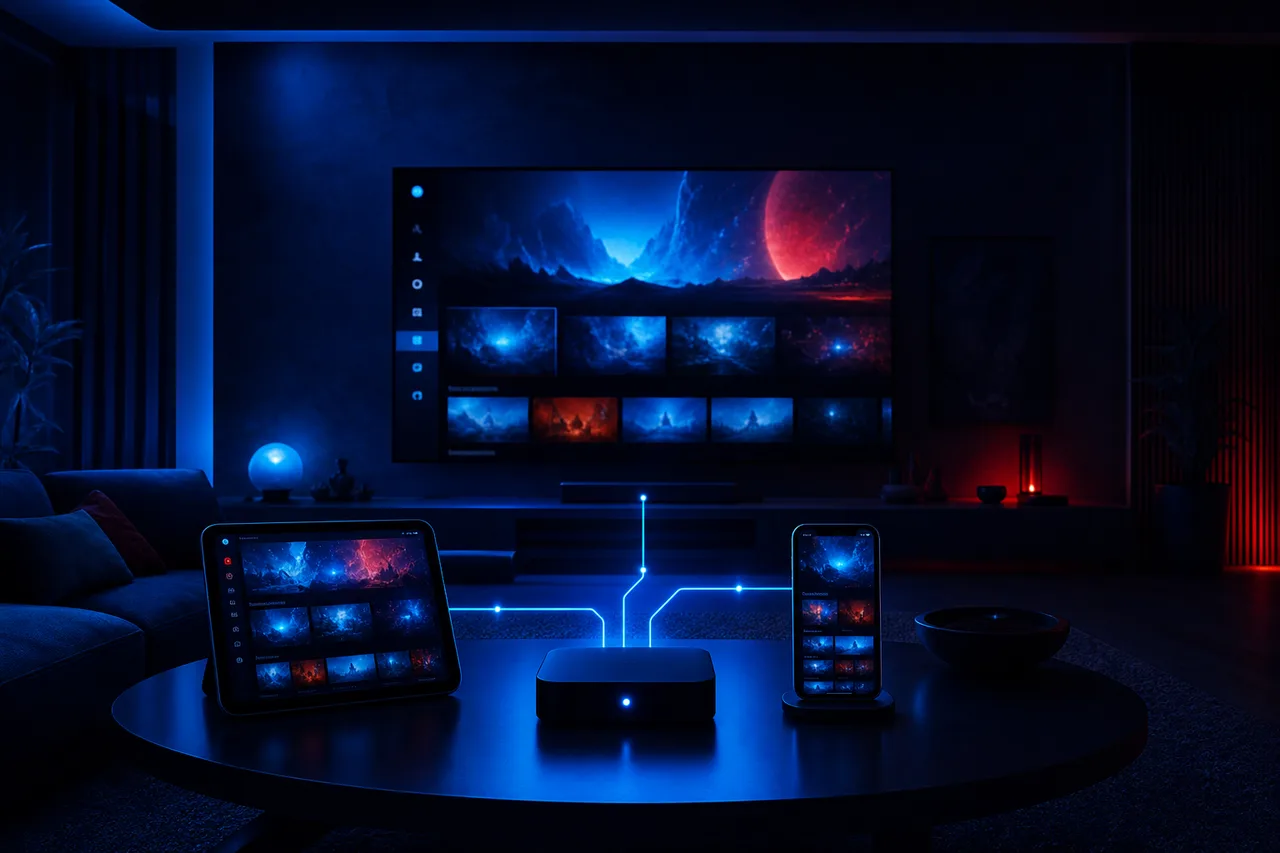
Understanding the physical side helps you predict where problems will come from. With cable, the line enters the house, runs to a box and the box connects to the TV. If something breaks, you call the provider, who is responsible for nearly every part. With IPTV, the internet line enters the house, reaches your router, travels by cable or Wi-Fi to your device, and the player app on that device does the rest.
What changes for you
Your router, your Wi-Fi coverage and the device you pick now affect your television picture. That is good news if you are comfortable adjusting them, and a new chore if you are not.
- Router placement starts to matter for the TV.
- A network cable to the main TV becomes a useful upgrade.
- Device updates replace provider box updates.
- You can change the player app without changing the service.
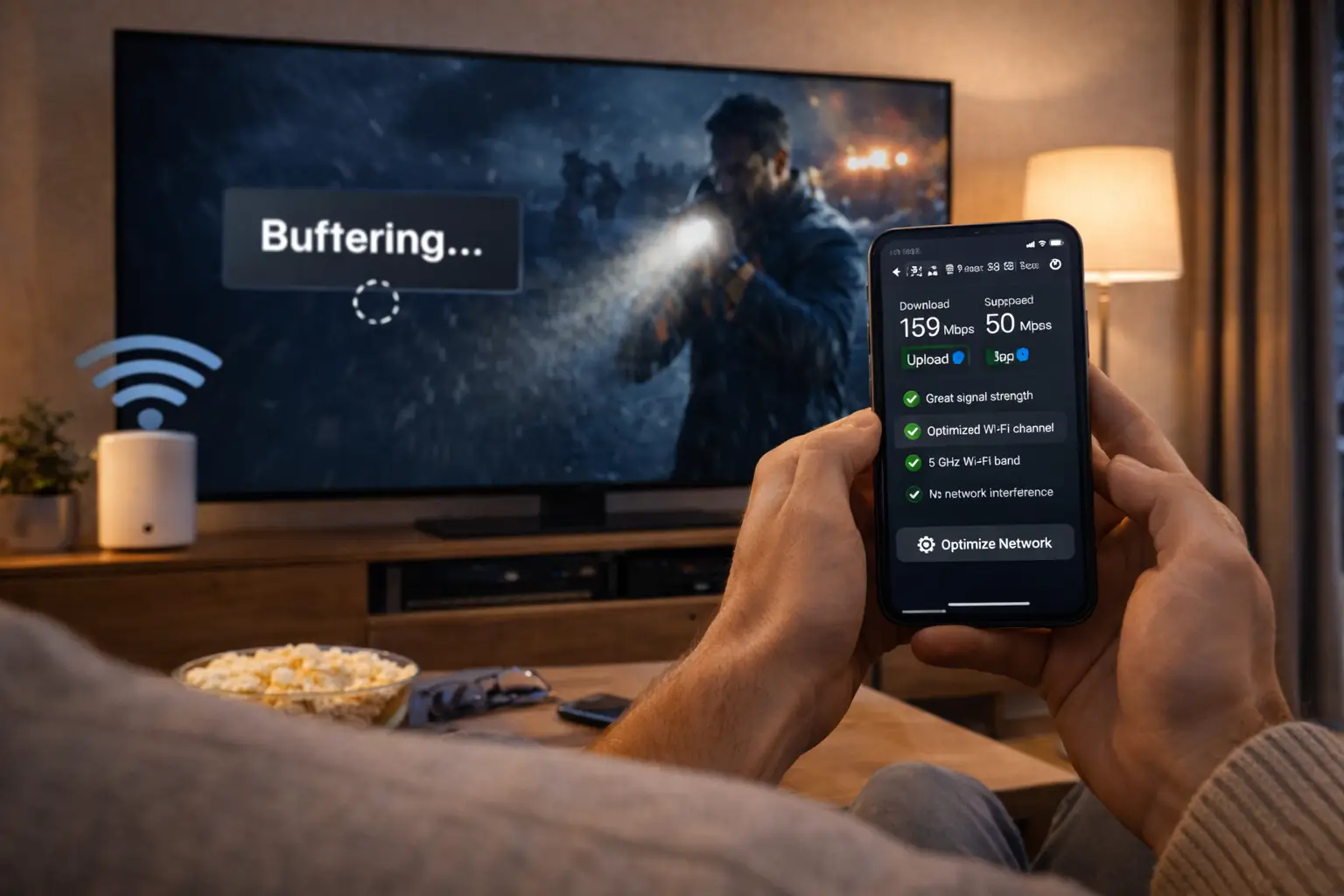
For many households this is barely a change at all, because the television is already the most connected device in the house. If you already watch online videos on your TV without trouble, IPTV runs on exactly the same foundations. If your Wi-Fi struggles to reach the living room today, fix that first; IPTV will inherit any weakness your network already has.
Our setup section shows the practical steps once you have a device and access details, and the devices guide compares the hardware options if you do not want to rely on your TV’s own apps.
Equipment and installation compared
Getting started is one of the clearest differences between the two. Cable usually involves an appointment, a technician and a box that stays the provider’s property. IPTV involves an app store, a few minutes of typing and hardware you already own or choose yourself. Neither is better in absolute terms; one trades convenience for control and the other trades control for convenience.
Getting started
Cable often needs a scheduled visit. With ClearPick IPTV, access arrives by e-mail within minutes of payment.
The box
Cable boxes usually belong to the provider. With IPTV, the TV, box or stick is yours to keep and reuse.
The interface
Cable menus are fixed. IPTV lets you try IPTV Smarters Pro, TiviMate, IBO Player or another player with the same login.
More rooms
Cable often adds a box per room. IPTV installs on several devices you own, used one at a time per connection.
Updates
The cable provider updates its box. With IPTV, you update your device and player from their official stores.
Who to call
Cable has one contact for everything. With IPTV, the seller handles the service and you handle the device.
That last tile matters more than it looks. With cable, a problem anywhere in the chain is the provider’s problem. With IPTV, a frozen picture might come from the service, your Wi-Fi, the device or the player. A good IPTV seller helps you work out which, but some of the fixing will be yours. Our troubleshooting section is built around exactly that split, so you know when to restart the router and when to write to support.
Commitment, payment and renewal
Terms are where the two models often differ most, and where switchers most often feel relief or regret. Cable arrangements vary widely, but contracts, fixed terms and automatic renewal are common. IPTV offers vary even more widely, from clear one-time payments to vague “lifetime” deals arranged by message. The safest approach is to write down the terms of both options in the same format and compare them line by line.
| Question about terms | What to note for cable | What ClearPick IPTV offers |
|---|---|---|
| How long am I committed | The length of any contract or fixed term | 1, 3, 6 or 12 months, chosen by you |
| How do I pay | Billing cycle and method | Once, in Canadian dollars, by card or PayPal |
| Does it renew by itself | Renewal rules and notice periods | No automatic renewal |
| Is there a contract | Contract length and exit conditions | No contract |
| Is equipment rented | Box rental and return rules | No equipment from us; you use your own device |
| When can I start | Installation appointment | Access by e-mail within minutes |
Filling in the middle column for your current setup is a useful exercise even if you never switch, because it shows you exactly what you are tied to. When you compare, focus on the end of the arrangement as much as the start: what happens when the period ends, how much notice is needed and what you must return. With us, the period simply ends, and you decide whether to buy another one. Current prices for each duration are on the plans page, and our page on paying for IPTV in Canada walks through checkout step by step.
Where cable tends to be stronger
Being fair means starting with the other side. Cable has real advantages for some households, and pretending otherwise would make this page less useful. If several of the points below describe your home closely, keeping cable may simply be the calmer choice, and that is a perfectly good outcome.
Cable may suit you better if
- Your internet connection is slow or shared by many busy users
- You want one company responsible for every part of the chain
- Everyone at home is used to one remote and one channel list
- Several TVs regularly play at the same time
- Nobody at home wants to install apps or type login details
IPTV may suit you better if
- Your connection has comfortable spare capacity in the evening
- You prefer choosing your own device and player
- You watch more on demand than at fixed times
- You want a fixed duration rather than an open-ended arrangement
- You move house often or watch in different places
The first point in the left column is the one that matters most. Cable television does not compete with your home internet for capacity in the same way, so a household with a modest connection and heavy daytime use may find cable steadier. The fourth point matters too: if three TVs are on every evening, compare carefully, because each IPTV connection counts separately. We come back to that trap in its own section.
Where IPTV tends to be stronger
IPTV shines where flexibility matters more than habit. Its strengths are less about the picture itself and more about freedom: freedom to choose hardware, to change the look of your menus, to watch on a phone in the kitchen and to stop at the end of a period without any ceremony.
- Device choice. Watch on a Samsung or LG smart TV, an Android TV or Google TV box, a Fire TV Stick, an Apple TV, an iPhone or iPad, an Android phone or tablet, or a PC.
- Player choice. IPTV Smarters Pro, TiviMate, Smart IPTV, IBO Player, XCIPTV and GSE Smart IPTV come from your device’s official app store. If you dislike one, try another with the same details.
- Large on-demand libraries. Many IPTV offers place series and movies at the centre rather than as an add-on.
- Short commitments. Some sellers offer fixed durations with a one-time payment. With us, you choose 1, 3, 6 or 12 months, and nothing renews automatically.
- Quick start. No technician visit. With ClearPick IPTV, your access arrives by e-mail within minutes.
- Portability. Your device works on any connection fast enough, so moving home does not mean a new installation.
The biggest variable
Two IPTV services can feel completely different on the same TV and the same connection. When you weigh IPTV vs cable, you are really weighing cable against one specific IPTV seller, so vet that seller with care. Our guide to choosing an IPTV provider sets out nine criteria for doing exactly that.
Player apps are made by independent publishers. Some charge for a licence; check the current price on the app’s official website. We are independent from app publishers, so the choice of player stays entirely yours. Our app guide compares the supported players on menus, guide display and how they cope with large catalogues.
Reliability: what can go wrong with each
No television service is perfect every evening. What differs is the kind of problem you meet and who fixes it. Knowing this in advance helps you judge which kind of hiccup you would find easier to live with. The table below lists typical problems without claiming any one is more frequent than another, because that depends on your area, your equipment and your provider.
| Problem | With cable | With IPTV | Who usually fixes it |
|---|---|---|---|
| No picture at all | Line or box fault | Router, device or service issue | Cable: provider. IPTV: you check the home side, then the seller |
| Picture pauses | Rare, signal-related | Speed or Wi-Fi at the TV | Mostly you, by improving the connection |
| Guide shows wrong times | Box software | Player time or guide settings | Cable: provider. IPTV: a player setting |
| App or menu stops loading | Box restart | Player or device restart | Usually a restart on either side |
| Busy evening slowdowns | Uncommon | Shared home or area capacity | You, by using a cable or reducing other use |
The pattern is clear: with IPTV, more of the fixable problems sit on your side of the router. That sounds like extra work, but it also means many of them can be solved in minutes, without waiting for an appointment. Our guides to fixing IPTV buffering and fixing IPTV freezing go through each cause in order. Problems on the service side, such as a stream that is down for everyone, belong to the seller, which is why reachable support is one of the most important criteria when you choose.
Six households, six answers
Abstract comparisons only go so far. Here are six typical households and where each tends to land. They are illustrations, not customer stories, but most homes recognise themselves in at least one of them.
One screen at a time and a love of on-demand content is the textbook fit for IPTV with a single connection.
Then: compare the VIP Premium PackEach screen playing at once counts as a connection. Compare the full cost of extra screens before deciding.
Then: ask support about extra screensCount every user at peak time. If the total exceeds what your line holds steadily, cable may be calmer.
Then: run an evening speed test firstNo installation and no equipment to return make IPTV easy to take from one home to the next.
Then: start with a short durationFamiliar remotes and channel lists matter. If you switch, pick the simplest player and set favourites for them.
Then: keep cable until they are comfortableIPTV can deliver 4K on the right setup, but your line, device and cable must all keep up.
Then: read 4K IPTV explainedNotice that two of the six households are pointed toward caution, and one is told to keep cable for now. That is the nature of a fair comparison. If your home looks like one of those, there is no shame in waiting until your connection, your devices or your household’s habits change.
Leaning toward IPTV
See our three packs and four durations side by side before you decide anything.
Bandwidth maths before you switch
With cable, your television does not usually draw from your internet allowance. With IPTV, it does, every minute you watch. Before switching, it pays to do a little arithmetic so the first busy evening does not catch you out. Plan for these steady speeds per screen playing, then add them up for everything that runs at the same time.
Steady speed per screen playing
A worked example: one Full HD TV in the living room needs 15 Mbps. If a teenager is gaming and a parent is on a video call at the same time, you add their use on top. A second TV in HD adds 10 Mbps more, bringing the television share alone to 25 Mbps, and that second screen would need an extra simultaneous connection. A 4K television on its own needs 25 Mbps; add a Full HD tablet and you are at 40 Mbps for television alone.
Measure what you actually have by running a speed test on the TV or box itself, at the busiest hour of the evening, two or three times. If the result sits comfortably above your total, IPTV will feel at home on your line. If it sits close to or below it, improve the connection first or plan to watch in a lower quality on some screens. Our article 4K IPTV explained goes deeper into speed, Wi-Fi bands and cables for demanding setups.
Tip: a network cable from the router to the main TV removes most evening wobbles. If a cable is not practical, connect the TV to the 5 GHz Wi-Fi band and keep the router out of cupboards and away from thick walls.
The everyday experience on screen
Specifications aside, what does an ordinary evening look like? With cable, you press a button, the box wakes up on the last channel and a familiar guide sits one press away. With IPTV, you open a player app, which loads your lists and usually remembers where you were. The first few evenings feel different; after a week, most people stop noticing the difference and start using the extras, such as favourites lists, search and on-demand series that pick up where you stopped.
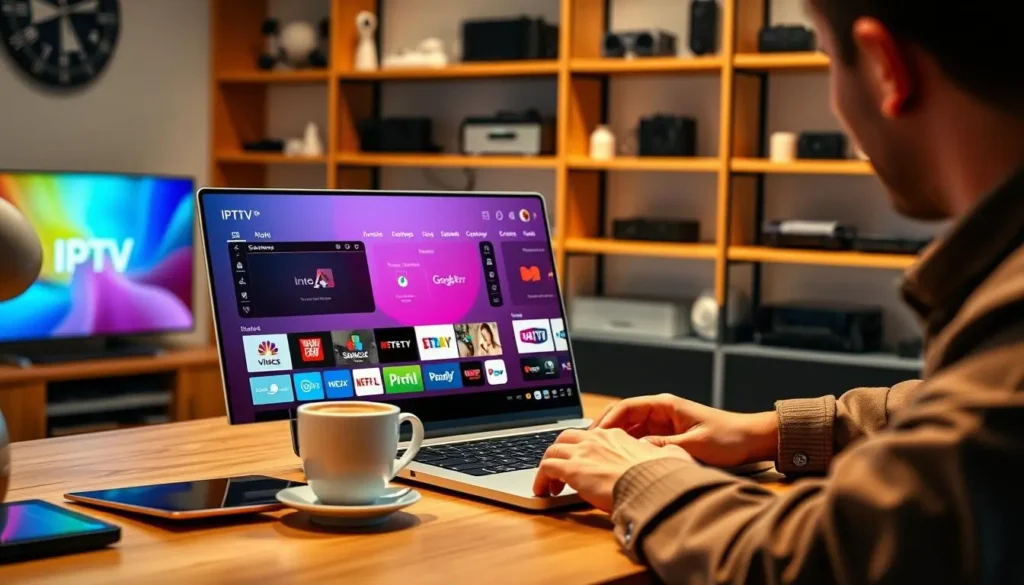
A typical player layout: live channels, guide, on-demand series and search in one place.
The layout depends on the player you pick, not on the seller, which is one of IPTV’s quieter advantages: if you dislike how one app looks, you can try another without changing anything else. Channel switching can take a moment longer than on a cable box while a stream starts, especially on Wi-Fi. A cabled connection and a capable device shorten that pause noticeably. If quick zapping is a big part of how you watch, test it on your busiest evening before deciding.
Counting the full cost without the prices
We never print prices in articles, because they change. That does not stop you from comparing costs properly. The trick is to list every item each option involves, then fill in today’s figures yourself from each seller’s current price list. Leaving one item out is how a “cheaper” option ends up costing more.
- For cable: the package itself, any box rental per room, installation, extra rooms or screens, and any fee for ending early.
- For IPTV: the pack and duration, any extra simultaneous screens arranged with the seller, a device if your TV cannot run a player, and a player licence if the publisher charges one.
- For both: the internet plan that carries it, and whether you would need a faster one.
For our packs, current prices for each duration are on the plans page, and the plan comparison sets the three packs side by side. For player licences, check the current price on the app’s official website. Once every line has a figure, the comparison is honest.
Simultaneous screens: the switcher’s trap
This is where most switchers get caught out, so it deserves a section of its own. Cable packages often cover several TVs in the same home at the same moment, each with its own box. IPTV sellers usually count simultaneous connections instead: each stream playing at a given moment uses one. The number is part of what you buy, and it is worth checking before anything else.
How it works with our packs
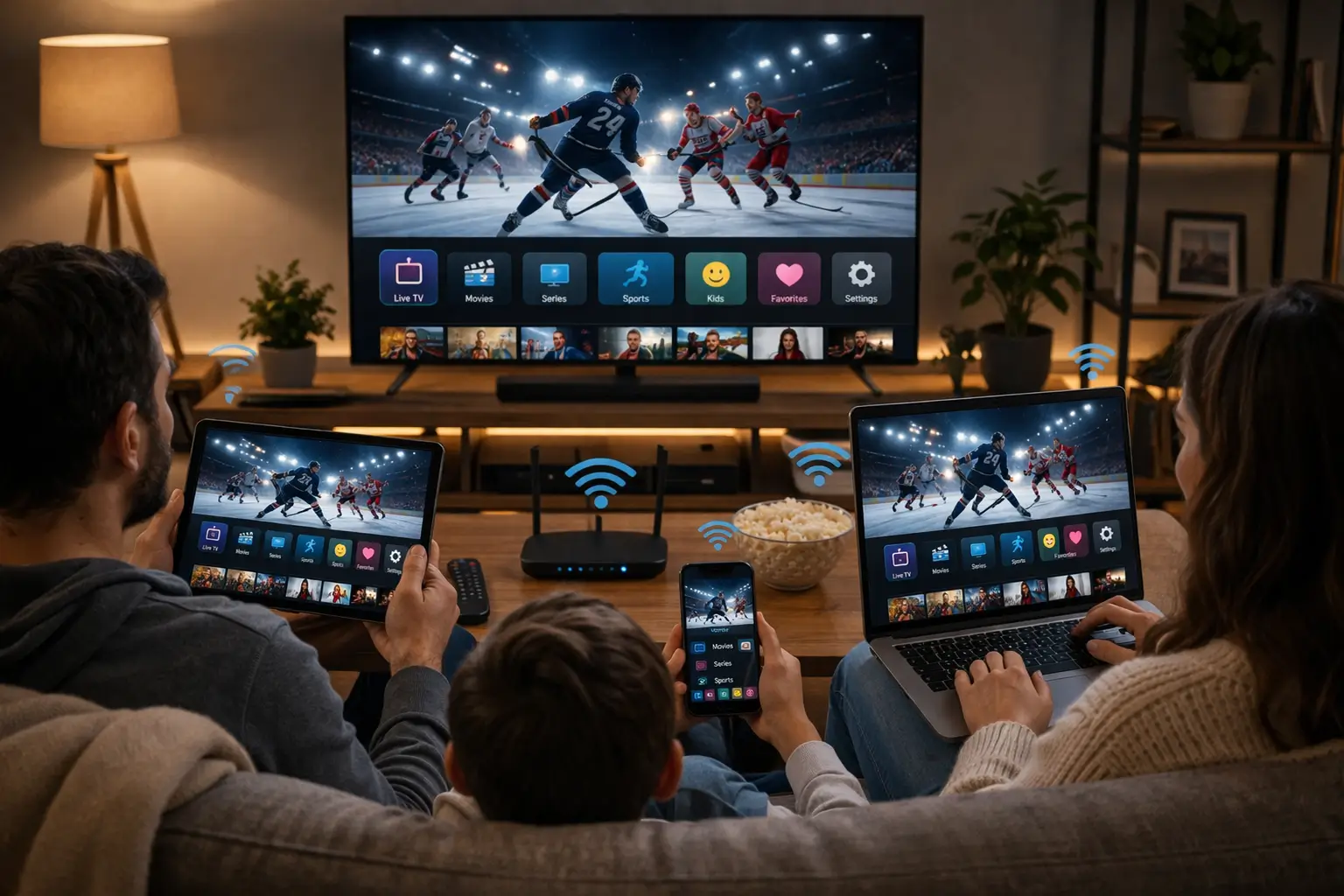
Each ClearPick IPTV pack includes 1 simultaneous connection. You can install the same credentials on the living-room TV, a bedroom stick and a tablet, and use them one at a time.
- Count the screens that play together on your busiest evening.
- If the answer is more than one, ask support before ordering.
- Support explains the conditions and the price for extra screens.
Be wary of any seller that cannot tell you how many screens can play at once, or that suggests sharing one login with friends or family in other homes. Credentials are meant for one household. If your home needs more screens playing together, ask through the contact page before ordering; support explains the conditions and the price.
Our page on IPTV on multiple screens explains how to install the same access on several devices, how to avoid accidentally holding the connection open on a forgotten tablet and what to expect when two screens try to play at once.
Running both side by side for a month
You do not have to switch in one leap. Many households keep cable running while they try IPTV for a short period, then decide with real evidence instead of guesses. A one-month plan is designed for exactly this. Here is a simple way to structure that month so it answers the question rather than just filling time.
- Week 1
Set up and learn
Install a player on the main TV, enter your access details and spend a few evenings learning the menus and setting favourites.
- Week 2
Watch your usual way
Use IPTV for your normal programmes at your normal times, including the busiest evening of the week.
- Week 3
Test the edges
Try the program guide, on-demand series, a 4K title if your TV supports it and a question to support.
- Week 4
Decide with notes
Score both options with the household checklist below and compare the terms you wrote down.
Keep a short note on your phone during the month: evenings when something paused, how quickly support replied, which family members used it without help. At the end, those notes are worth more than any comparison table, including ours. The 1-month IPTV subscription page explains how the short plan works, and since nothing renews automatically, the month simply ends if you decide cable suits you better.
IPTV vs cable: a five-step decision method
If you prefer a quick method to a month-long test, this process fits into one evening and gives you a decision based on your home rather than on advertising. It works whether you are leaving cable, adding IPTV for a second room or simply checking whether your current setup still makes sense.
- Test your connection. Run a speed test at the busiest time of evening on the TV itself. Plan for 10 Mbps per screen in HD, 15 Mbps in Full HD and 25 Mbps in 4K, added up for everything online at once.
- List your screens. Write down every device where someone watches television, and how many play at the same moment on a typical evening.
- List your must-haves. Note the kinds of content you cannot do without. For a specific language, ask the seller before ordering.
- Compare commitments. Write down the terms of your current setup and of the IPTV offer you are considering, using the same headings for both.
- Ask questions. Send each seller the same short list of questions and compare the replies side by side, noting speed and clarity.
Step five is the one people skip, and it tells you the most. A seller that answers a clear question clearly before you pay is likely to do the same when you need help later. If you are unsure what to ask, our article Is IPTV legal in Canada? includes a list of questions you can copy into a message to any provider.
An IPTV vs cable checklist for your household
Tick each statement that is true for your home today. Be honest rather than hopeful: this checklist works best when it describes how you live now, not how you would like to watch one day.
- My internet connection comfortably covers the speed needed for every screen that plays at once.
- I already own at least one compatible device, or I am happy to choose one.
- I watch more on demand than at fixed times.
- Only one screen usually plays at a time, or I am ready to ask about extra screens.
- I prefer a fixed duration over an open-ended arrangement.
- I am comfortable installing an app and entering login details.
- Everyone who watches at home can learn a new menu, or someone can help them.
- I am ready to ask a seller direct questions before paying.
Six ticks or more suggests IPTV deserves a serious look. Four or five suggests a short test alongside cable before deciding. Three or fewer suggests cable may remain the calmer option for now, and you can come back to this list when something changes, such as a faster connection or a new TV.
The right choice is the one your household forgets about after a week, because it simply works the way you watch.
Mistakes people make when switching
Switching from cable to IPTV goes smoothly for most households that prepare a little. When it goes badly, it is usually for one of a handful of predictable reasons, none of which needs technical knowledge to avoid.
Forgetting the second TV
Assuming several screens can play at once, as they did with cable, without checking the connection count.
Ignoring the router
Leaving the main TV on a weak Wi-Fi signal that was never needed for cable.
Cancelling too early
Ending cable before testing IPTV on a busy evening with the whole family at home.
Leaving people behind
Switching without showing less confident viewers how to find their favourite channels.
Choosing on price alone
Picking a seller for a low price without checking support, terms or who runs the service.
Assuming a language
Expecting specific language content without asking the seller before ordering.
Deep dive: helping less confident viewers make the switch
If someone at home is not comfortable with apps, the switch succeeds or fails on preparation. Before they ever pick up the remote, set the player to open on live TV, add their usual channels to a favourites list and hide groups they will never use. Write the three buttons they need on a sticky note: open the player, open favourites, go back. Then sit with them for the first evening. Most players remember the last channel watched, which helps people who like to pick up where they left off.
Our guide to IPTV red flags covers the warning signs that should end a conversation with any seller, which is the best defence against the “price alone” mistake above.
What a switch looks like with our packs
If your checklist points toward IPTV, here is how it works with ClearPick IPTV, stated plainly. You choose a pack and a duration, pay once in Canadian dollars by card or PayPal, and receive your access by e-mail within minutes, either as Xtream Codes or as an M3U link. You enter those details in the player of your choice, and the lists load. When the period ends, nothing renews; you decide whether to continue.
Premium Pack
- 20,000+ channels
- 24,000+ series
- 100,000+ movies
- HD, Full HD and 4K
The catalogue includes French-language and international content. If you need one specific language, ask support before ordering. Each pack includes 1 simultaneous connection, and support can explain the conditions and price for more screens. If 4K is part of your reason for switching, read 4K IPTV explained before you choose, because 4K asks more of your TV, device and connection than cable ever did.
Related guides before you decide
A decision between IPTV and cable touches several other questions. These pages answer the ones that usually come up next.
Questions before you switch
Tell support how many screens you use and which devices you own. They reply in English and French, seven days a week.
FAQ
Is IPTV better than cable?
Neither is better for every home. IPTV offers more choice of device and player and shorter commitments; cable is less dependent on your internet connection. Your household decides which matters more.
Do I need a box for IPTV?
Not necessarily. Many smart TVs, streaming sticks and boxes run a player app directly. Phones, tablets and PCs work too.
Will IPTV slow down my internet?
It uses part of your connection while you watch: about 10 Mbps per screen in HD, 15 Mbps in Full HD and 25 Mbps in 4K. Plan for everyone who is online at the same time.
Can I keep cable and try IPTV alongside it?
Yes. Nothing stops you running both for a while. A one-month plan lets you compare in your own home before deciding, and it does not renew automatically.
Is there a contract with ClearPick IPTV?
No. You pay once for 1, 3, 6 or 12 months, by card or PayPal in Canadian dollars, and there is no automatic renewal.
How many TVs can I use at once?
Each pack includes 1 simultaneous connection. You can install it on several devices and use them one at a time. More screens at once are available only on request through support, who explain the conditions and the price.
Will the program guide look like my cable guide?
Most players show a grid with what is on now and next. It looks different from a cable box, but the idea is the same, and our page on setting up the IPTV TV guide shows how to load it.
Do I need to return any equipment to you?
No. We do not supply hardware. You use your own TV, box, stick, phone or computer, with a player from your device’s official app store.
Can I take IPTV with me when I move?
Yes. Your device and access details work on any connection fast enough for the quality you watch, with no new installation needed.
What if a specific language matters to me?
The catalogue includes French-language and international content. For any specific language, ask support before ordering so you know exactly what to expect.