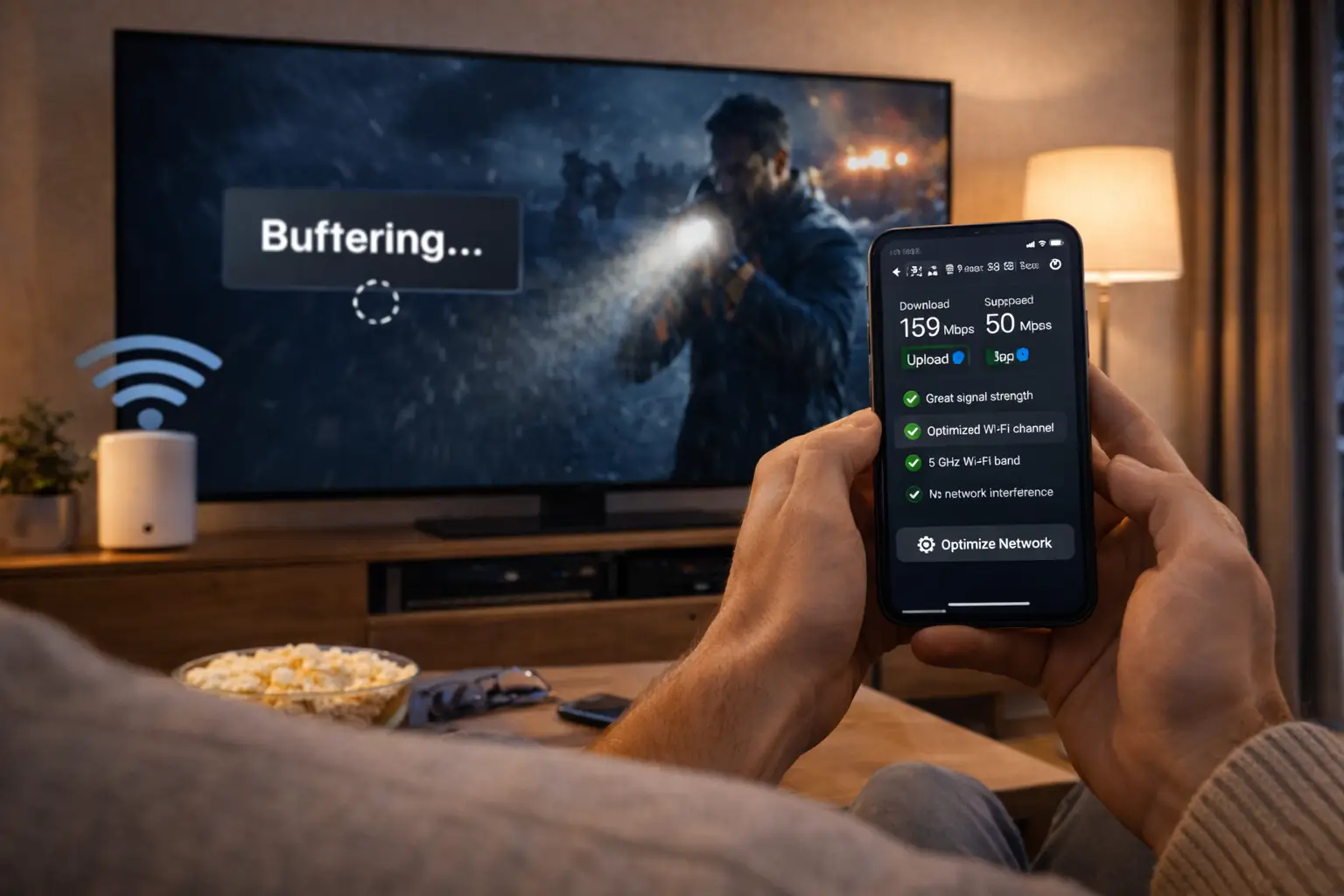
Welcome to the IPTV guide from ClearPick IPTV. Most people land here with one plain question in mind. Maybe it is “what is this, exactly?”, maybe “will it work on the TV I already own?”, maybe “is this the kind of thing I should be careful with?”. Those are the right questions to ask before you compare a single offer. This section answers them one at a time, with criteria you can check yourself, so the decision stays yours.
A short disclosure, because it colours everything below. We run a store, and we sell three IPTV packs of our own. When a pack is relevant to the topic, we name it and link to it. That is a bias, and you deserve to know about it. To keep the guide useful even if you end up buying elsewhere, every article hands you questions, scorecards and tests that apply to any seller. If a competitor scores better on the points that matter in your home, the method did its job, and we would rather you chose well than chose us by default.
Start here: the four articles in this IPTV guide
The guide is built around four core articles. Each one takes a single question and answers it properly, rather than skimming ten questions at once. Open whichever matches the doubt you have right now. If you are completely new, the definition article is the natural first stop, and the 4K article is the natural last one, because it builds on everything before it.
Each article is self-contained, with its own checklist at the end, so you can read one tonight and another next week without losing the thread. Where two articles touch the same topic, they link to each other instead of repeating the same explanation twice. You will also find links out to the setup, device and troubleshooting sections whenever a guide topic turns into a practical task.
Who this IPTV guide is written for
Readers arrive at very different starting points. Someone who has never installed a player app needs different help from someone who has used IPTV for a while and is unhappy with their current seller. Find the situation closest to yours below and start with the article it points to. You can always come back for the rest.
Learn the vocabulary first: streams, player apps, access details and the program guide. Everything else depends on it.
Then: read What is IPTV?Separate the technology from the service and learn which questions a seller should answer in writing.
Then: read the legality articleCompare the two on the points that matter after the first month, not on advertising.
Then: read IPTV vs cableCheck whether your line, your device and your cable can actually deliver 4K before you choose a pack.
Then: read 4K IPTV explainedScore your current provider with the scorecard further down and see where it falls short.
Then: compare with the plans pageFavour the simplest device and player, and a seller that answers questions patiently in the right language.
Then: read the devices sectionIf you do not recognise yourself in any of these, no problem. The reading path in the next section works for almost everyone, and it takes about as long as one evening of television.
A reading path in four stops
You can read the articles in any order, but this sequence tends to work best because each stop answers a question the next one assumes you have already settled. By the end, you will know what you are buying, whether you should be cautious, how it compares with your current setup and what picture quality you can realistically expect.
- Stop 1
Understand the technology
Read What is IPTV? to learn how the picture reaches your screen and why the player app and the provider are two separate things.
- Stop 2
Check the legal picture
Read Is IPTV legal in Canada? for neutral wording and a five-step method to vet any seller.
- Stop 3
Compare with what you have
Open IPTV vs cable and tick the household checklist to see which way your home leans.
- Stop 4
Decide on picture quality
Read 4K IPTV explained and run the four checks on your TV, line, device and cable.
- Then
Score your shortlist
Use the scorecard on this page on each service you are considering, then look at the packs and durations on the plans page.
If you get stuck at any stop, you can write to our support team. They answer in English and French, seven days a week, and asking a question before you buy commits you to nothing.
The questions this section answers, mapped
Some readers prefer a map to a path. The table below lists the questions we hear most often from Canadian buyers, the article that answers each one and what you should be able to do once you have read it. If a question you care about is missing, tell us: recurring questions are how new articles get written.
| Your question | Where it is answered | What you leave with |
|---|---|---|
| What am I actually paying for | What is IPTV? | A clear picture of provider, connection, device and player |
| Do I need a special box | What is IPTV? | A device check you can run in the app store |
| Should I be worried about legality | Is IPTV legal in Canada? | The difference between a technology and a service, plus questions to send |
| Is it better than what I have now | IPTV vs cable | A household checklist that leans one way or the other |
| Will two TVs work at once | IPTV vs cable | An understanding of simultaneous connections |
| Will my TV show real 4K | 4K IPTV explained | Four checks for TV, speed, device and cable |
| How fast must my internet be | 4K IPTV explained | Per-screen figures you can add up for your home |
| How do I pay and does it renew | Paying for IPTV in Canada | Card or PayPal, one-time, no automatic renewal |
Notice that several questions point to the same article. That is deliberate. The definition article and the 4K article each cover a lot of ground, because those are the two areas where a misunderstanding costs the most: one leads to buying for the wrong device, the other to paying for a picture your setup cannot show.
Five criteria for judging any service
Many comparison pages rank services on catalogue size and little else. Size matters, but it is only one line on a much longer scorecard. When you choose an IPTV service, look at the five areas below in this order. The order reflects what tends to cause the most regret when it goes wrong, from the most costly mistake to the most fixable one.
1. Transparency
Can you find out who runs the service, how to reach them and exactly what each pack contains? Named packs and listed durations are a good start.
2. Payment and commitment
How do you pay and what happens at the end? Look for a one-time payment, a stated duration, no automatic renewal and no contract.
3. Compatibility
Does it run on what you already own? Common players and common devices should be listed by name, not hidden behind “works everywhere”.
4. Connection rules
How many screens can play at the same moment? A clear number, stated before you pay, prevents the most common surprise.
5. Support
Who helps on a Sunday evening? Check the channels, the languages and the days covered, then test them with a real question.
Here is how we answer those same five points, so you can hold us to them. On payment, you pay once in Canadian dollars, by card or PayPal, for 1, 3, 6 or 12 months; nothing renews by itself and there is no contract. On compatibility, our packs work with IPTV Smarters Pro, TiviMate, Smart IPTV, IBO Player, XCIPTV and GSE Smart IPTV, on Samsung and LG smart TVs, Android TV and Google TV boxes, Fire TV Stick, Apple TV, iPhone and iPad, Android phones and tablets, and PC. On connections, each pack includes 1 simultaneous connection. On support, our team works seven days a week by e-mail and WhatsApp, in English and French.
Our honest position: we think these five criteria are a fair way to judge any provider, and we work to meet them. We do not claim to be the top choice for every home. Your screens, your connection and the way you watch decide what fits.
An IPTV guide scorecard you can reuse
Criteria are only useful if you apply them the same way to every seller. The scorecard below turns the five areas into seven concrete questions. Give each line 0 when the answer is missing or evasive, 1 when it is partial, and 2 when it is clear and in writing. Fill one column per provider on a sheet of paper or in a note on your phone, then compare totals.
| Question to ask | What earns 2 points | Where to learn more |
|---|---|---|
| Is the offer described clearly | Named packs, listed durations, stated picture quality | Compare our plans |
| Is the payment one-time | No automatic renewal, no contract, familiar payment methods | Paying for IPTV |
| Does it work on my device | Players and devices listed by name | What is IPTV? |
| Are connection rules stated | Number of simultaneous screens written plainly | IPTV vs cable |
| Is 4K realistic for me | Speed and device needs explained honestly | 4K IPTV explained |
| Can I check the service first | Questions answered in writing before payment | Is IPTV legal in Canada? |
| Is support reachable | Named channels, languages and days, tested with a real message | Contact support |
The maximum is 14 points. A service in the top band, 12 to 14, has answered almost everything clearly. Between 8 and 11, look at which lines lost points: a gap on support or payment matters far more than a gap on 4K if you watch on a small screen. Below 8, keep looking or send more questions before you order anything.
A seller that scores well on paper but goes quiet when you send a real question has told you the most important thing about itself.
One more tip: score the first half of the table before you look at catalogues at all. Big numbers have a way of making missing answers seem less important than they are. Trust and terms first, content second, and the totals will mean something.
How the technology fits together
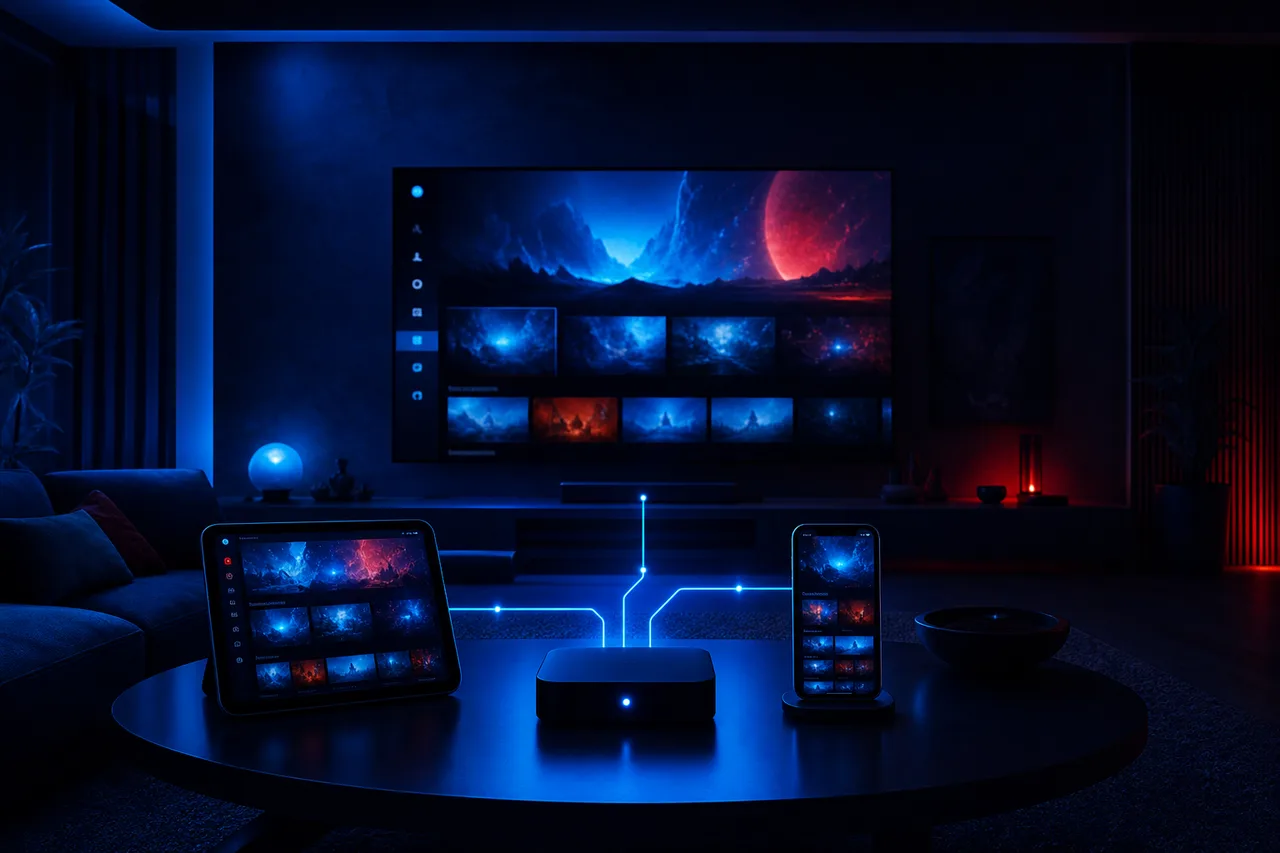
You do not need to understand networking to use IPTV, but a simple mental model makes every other page in this guide easier to follow. Picture four links in a chain. The provider prepares the streams. Your internet connection carries them. Your device receives them. The player app on that device reads your access details and shows the picture. When something goes wrong, one of those four links is almost always the cause, and knowing which one saves a lot of guesswork.
Why the split matters to a buyer
Because the player and the provider are separate, you can usually change one without changing the other. If you dislike an app, try another with the same access details. If a provider disappoints you, keep your favourite player and load a different service into it.
- The player comes from your device’s official app store.
- The access details come from the provider, by e-mail.
- Your connection and device sit in the middle, under your control.
The definition article goes into each link in detail, including the difference between live channels and on-demand titles, and the two formats your access details can take. If you only read one article from this guide, make it What is IPTV?, because every troubleshooting step you will ever need starts from that four-link picture.
Picture quality and internet speed
Picture quality depends on three things working together: the stream, your connection and your screen. A sharp stream on a slow line will stutter. A fast line feeding an older television will not show more detail than the panel can display. And a good line can still disappoint when the device sits behind two walls from the router.
Speed to plan for, per screen playing
Those figures add up when several people are online at once. The table shows a few typical evening situations so you can see how quickly the total climbs. Run a speed test on the device you watch on, at the busiest time of the evening, and compare the result with the line that looks most like your home.
| Evening at home | Screens playing | Steady speed to plan for |
|---|---|---|
| One person, bedroom TV in HD | 1 in HD | 10 Mbps |
| Couple, living-room TV in Full HD | 1 in Full HD | 15 Mbps |
| Film night on a large 4K TV | 1 in 4K | 25 Mbps |
| 4K in the living room, tablet in Full HD | 2 (needs extra screens) | 40 Mbps |
| 4K plus two HD screens | 3 (needs extra screens) | 45 Mbps |
Remember that the speed on your internet bill is a maximum shared by everyone at home, not a reserved lane for the television. Video calls, games and phones updating apps all take their share. The 4K article explains how to measure what actually reaches the TV and how to improve it with a cable or better Wi-Fi placement.
Know your numbers, then choose
Once you know your speed and your screens, comparing packs and durations takes a few minutes.
Devices and players at a glance
Most homes already own at least one screen that can run IPTV. The question is which one will give the smoothest result. Smart TV apps are the most convenient because there is nothing extra to plug in. A separate box or stick is often easier to update and tends to run player apps more smoothly over time. Phones, tablets and computers are handy for a second room or for testing.

The devices our packs work on
- Samsung and LG smart TVs
- Android TV and Google TV boxes
- Fire TV Stick
- Apple TV, iPhone and iPad
- Android phones and tablets
- PC
Our device guide compares them on ease, speed and 4K support.
The player app is the second half of the choice. IPTV Smarters Pro, TiviMate, Smart IPTV, IBO Player, XCIPTV and GSE Smart IPTV all come from your device’s official app store. Some publishers charge for a licence; check the current price on the app’s official website. We are independent from app publishers, so we cannot sell a licence or set its price. Our app guide scores each player on menus, guide display and how it handles large catalogues.
A rule worth keeping
Install players only from your device’s official app store. If a seller asks you to install software another way, or to change your device’s security settings, treat it as a reason to stop and ask questions rather than as a setup step.
Our packs, described without hype
Because we sell packs, it would be strange to leave them out of our own guide. Here are the facts, nothing more. All three share the same durations, the same payment terms, the same delivery of access details and the same support team. What changes is the size of the catalogue and the emphasis on 4K.
VIP Premium Pack
- 27,000+ channels
- 61,000+ series
- 155,000+ movies
- HD, Full HD and 4K
The catalogue includes French-language and international content. If you are looking for one specific language, ask support before ordering, so you know exactly what to expect rather than discovering it after payment. Each pack includes 1 simultaneous connection: you can install the same credentials on several devices in your home and use them one at a time. Durations, payment details and current prices are all on the plans page.
Which one suits you is a question the scorecard and the 4K checks answer better than we can. If your TV is HD or Full HD, the Ultimate 4K Pack’s strength is wasted on it. If on-demand series are the heart of your evenings, the series and movie figures matter more than the channel count. Read the numbers against your habits, not against each other.
Commitment and payment: what to confirm first
Terms rarely make headlines in an offer, yet they decide how a purchase feels three months later. Before you compare catalogues, confirm four things with any seller: how you pay, for how long, whether anything renews by itself and whether a contract binds you. The comparison below sets out what a clear set of terms looks like next to the warning signs that should slow you down.
Terms that make life simple
- One-time payment for a stated duration
- Familiar methods, such as card or PayPal
- Prices shown in Canadian dollars
- No automatic renewal at the end
- No contract and no notice period
- Access details sent by e-mail within minutes
Terms that deserve a question
- Payment arranged privately by chat
- Durations that are never stated
- Renewal hidden in small print
- “Lifetime” offers with no named seller
- No written confirmation of what you bought
- Pressure to pay before questions are answered
With ClearPick IPTV, the left column describes how buying works: 1, 3, 6 or 12 months, paid once in Canadian dollars by card or PayPal, no automatic renewal, no contract, and access by e-mail within minutes as Xtream Codes or an M3U link. When the period ends, you decide whether to continue. Our page on paying for IPTV in Canada walks through each step of checkout, and the 1-month plan exists precisely so you can try the service in your own home before committing to a longer period.
Where this guide hands off to other sections
The guide explains concepts. The rest of the site turns them into tasks. Once an article has answered your “what” and “why”, these sections take over the “how”. They are written in the same buyer’s-guide voice, with checklists and scorecards, so moving between them feels natural.
A good habit is to keep the guide open in one tab and the practical section in another. When a setup step mentions a term you do not recognise, the definition is one click away, and when a guide article mentions a setting, the setup page shows you where to find it in your player.
A worked example: one household through the guide
Methods are easier to trust when you see them applied. Here is a composite household, the kind of situation our support team hears about often, walked through the guide from first question to final choice. The details are illustrative, not a customer story, but every step uses the tools on this page.
Picture a couple in a semi-detached house with a newer 4K television in the living room, an older HD set in the basement and two phones. They currently pay for cable, mostly watch series in the evening and follow live events on weekends. One of them prefers French-language content. Their question is simple: would IPTV suit them better, and if so, which pack?
- Evening 1
Definitions and devices
They read the definition article and check both TVs’ app stores. The living-room TV lists two of the supported players; the basement set lists none, so a small streaming stick goes on the list for later.
- Evening 2
Legality and questions
They read the legality article, copy its questions into a message and send the same text to three sellers, including us, asking about French-language content and how rights are handled.
- Evening 3
Cable comparison
They tick four lines of the household checklist in the cable article. The sticking point is screens: on weekends both TVs are sometimes on at once.
- Evening 4
The 4K checks
A speed test on the living-room TV shows a comfortable margin above 25 Mbps on a cable, but much less over Wi-Fi. They decide to run a network cable before judging 4K.
- Decision
Scorecard and first month
Two sellers answer clearly in writing; one never replies and drops out. They pick a one-month plan to test at home and ask support about a second simultaneous screen before ordering.
Notice what decided the outcome. Not the biggest number on a product page, but the replies to a written question, a speed test on the actual TV and an honest count of screens. That is the whole point of this guide: the facts that matter most are in your home and in the seller’s answers, not in the advertising.
What the example teaches
Count screens on your busiest evening, not your average one. Test speed where you watch, not next to the router. And send the same questions to every seller, so you compare like with like.
Words you will meet across the guide
IPTV vocabulary can look like a wall of acronyms at first. You only need a handful of terms to follow every article in this section, and most of them describe something you will see on screen within minutes of entering your access details.
- Live channel
- A stream that plays in real time on a schedule, like traditional television.
- On demand
- Series and movies you start whenever you like, with pause and resume.
- Player app
- The application on your TV or device that reads your access details and shows the picture. It is separate from the service.
- Xtream Codes
- A login made of a server URL, a username and a password, typed into the player.
- M3U link
- A single web address that contains your playlist, used by some players instead of Xtream Codes.
- EPG
- The electronic program guide: the on-screen grid showing what is on now and next.
- Simultaneous connection
- One stream playing at a given moment. Two screens playing together count as two connections.
- Buffering
- A pause while the player waits for more data, usually a sign the connection cannot keep up.
Each article adds a few terms of its own, such as output resolution in the 4K article or broadcasting rights in the legality article, and explains them where they first appear.
Mistakes first-time buyers make
Most disappointments with IPTV come from a handful of avoidable mistakes made before the first channel ever plays. None of them requires technical knowledge to avoid. They require a few minutes of checking and the patience to ask one or two questions before paying.
Buying on catalogue size
A huge number of channels says nothing about stability, support or whether your languages are included.
Assuming every TV can play at once
Check the number of simultaneous connections before you plan two screens on the same evening.
Paying for 4K on an HD set
The TV can only show its own resolution, whatever the stream carries.
Testing on a weak Wi-Fi corner
Judging a service from a room the signal barely reaches tells you about the router, not the stream.
Starting with the longest duration
A short first period lets your own home do the testing before you commit to a year.
Never contacting support
One real question before payment tells you how the seller behaves when you need help later.
Be wary of any offer, from any seller, that promises unlimited screens, hides who runs it or gives you no way to ask questions before you pay. Those offers often end with a stream that stops and nobody to write to. Each of our packs includes 1 simultaneous connection; more screens at the same time are only available on request through support, who explain the conditions and the price.
If you recognise one of these mistakes in a past purchase, you are in good company. The point of listing them is not to make anyone feel foolish. It is to turn each one into a single line you can tick before ordering next time.
Testing a service in your own home
Reading criteria is one thing; checking them on your own TV is another. Once you have a shortlist, a short structured test tells you more than any amount of browsing. The steps below fit into the first few evenings after you receive your access details, and they work on any provider.
- Ask a question before paying. Send support a real query about your device or a language and note how quickly and clearly they reply.
- Choose the shortest sensible duration. A first month is long enough to cover weeknights, a weekend and at least one busy evening.
- Install the player from the official store. Open it once before your access arrives so it is ready.
- Enter your access details on the main TV. Use the screen you watch most, not a spare tablet, so the test reflects real use.
- Watch at the busiest hour. Evenings are when home networks and servers are under the most pressure, so they are the fairest test.
- Try live and on demand. Zap through a few live channels, then start a series and a movie, and check the program guide.
- Write down what you see. Note start-up time, pauses and guide accuracy, then fill in the scorecard again with real answers.
If something does not work during the test, the troubleshooting section separates problems you can fix at home from problems only the provider can solve. That distinction is itself a useful test: a seller that helps you find out which side a problem sits on is a seller worth keeping.
Deep dive: making the test fair to every provider
Test each service on the same device, in the same room, at a similar time of evening, with the same people online. Restart the router and the device once before each test so neither starts with a cluttered memory. Use a cable if you can, or note how far the device sits from the router if you cannot. Without these controls, you end up comparing your Wi-Fi on a quiet Tuesday with your Wi-Fi on a busy Saturday, which tells you nothing about the providers themselves.
How this IPTV guide stays honest
A guide written by a seller has to work harder to be useful. These are the rules we hold ourselves to across every article in this section, and you are welcome to point out any page where we fall short of them.
- We disclose that we sell packs, on every article where it matters.
- We never print prices in articles, because prices change; the plans page shows current ones.
- We never claim to be the best or the top choice; we give criteria and let you decide.
- We only state facts we can stand behind: catalogue sizes, durations, payment terms, connection rules and support hours.
- We do not name TV channels or other companies, so the guide stays about method rather than marketing.
- We keep the legality wording neutral and point you to questions rather than verdicts.
- We describe limits, such as 1 simultaneous connection per pack, as clearly as strengths.
Our About page explains who we are and how ClearPick IPTV started. If you think an article is unclear or one-sided, write to us through the contact page. Corrections from readers have improved several pages already, and they are the most useful feedback we receive.
Your next three moves
If you have read this far, you have the method. What is left is applying it. Here is the shortest route from this page to a decision you will not regret, whichever seller you end up choosing.
First, measure your speed on the TV you watch most, at a busy evening hour, and count the screens that play at the same time. Second, fill in the scorecard for each service on your shortlist, starting with terms and support before catalogues. Third, if we are on that shortlist, send our team your device and language questions, then compare our packs on the plan comparison page. If you need a second screen playing at the same moment, mention it in that message so support can explain the conditions and the price before you order.
Questions before you choose
Ask about your device, your languages or extra screens. Our team replies in English and French, seven days a week.
FAQ
Who writes this IPTV guide?
The ClearPick IPTV team writes it. We sell our own packs, so we mention them where they are relevant, and we give you criteria that work on any provider so you can judge for yourself.
Do I need to read every article before buying?
No. If you already know what IPTV is, start with the legality and 4K articles. If everything is new to you, follow the four-stop reading path near the top of this page.
Is IPTV legal in Canada?
The technology is legal; whether a service is legal depends on the broadcasting rights it holds, so check before subscribing. Our legality article shows you which questions to ask.
How fast does my internet need to be?
Plan for 10 Mbps per screen in HD, 15 Mbps in Full HD and 25 Mbps in 4K. Add those figures together when several people use the connection at the same time.
Can I watch on more than one TV?
You can install the same credentials on several devices and use them one at a time. Each pack includes 1 simultaneous connection. For more screens at once, write to support, who will explain the conditions and the price.
How do I pay, and does it renew?
You pay once, in Canadian dollars, by card or PayPal, for 1, 3, 6 or 12 months. There is no automatic renewal and no contract. See current prices on the plans page.
Which pack should a beginner look at first?
Start from your screen and your habits rather than the pack names. If your TV is not 4K, the Premium Pack or VIP Premium Pack is the more natural comparison; if it is, read the 4K article first.
Is the player app part of the subscription?
No. Players come from your device’s official app store. Some publishers charge for a licence; check the current price on the app’s official website. We are independent from app publishers.
Does the catalogue include content in my language?
The catalogue includes French-language and international content. For any specific language, ask support before ordering so you know exactly what to expect.
How soon can I start watching after I order?
Your access details arrive by e-mail within minutes, as Xtream Codes or an M3U link. Enter them in your player and the lists load shortly after.